
Released March 17th, 2026
Watch the Recap Video
ANIMATION
PLAY FAST
Shape Keys
Shape Key evaluation has seen a significant performance boost since Blender 5.0, especially on high-poly meshes.
Actions
Smooth Sailing
Be Precise

Color Match
MORE ANIMATION
I/O
- Improved UsdPreviewSurface import/export with support for transparency and translucency.
- UsdUIAccessibilityAPI support for authoring and loading on all data-block types that allow Custom Properties.
- Mesh export now writes indexed UV coordinates, enabling UV island connectivity reconstruction in other apps.
-
Python Hooks (Export): New
get_prim_mapAPI inon_export, providing a mapping between Blender objects and created USD prims.
Stability is a feature.

Winter of Quality
More than 350 reported issues were fixed. Additionally, developers worked on addressing technical debt, as well as improving documentation.
Issues Addressed per Module
COMPOSITOR ❤ SEQUENCER
Strip Info

Simple, yet powerful.
Smooth
Dat
Form
You can also share your own add-ons and themes!
CYCLES
Faster All Over
- Improved GPU rendering performance by up to 10% on various benchmark scenes.
- CPU rendering performance on Windows up to 20% faster.
- For AMD GPUs, hardware ray-tracing is now enabled by default through HIP RT.
Better Custom Normals
Smoother Denoise
Aligned Views
Not-so Normal Maps

GREASE PENCIL
Filling good.
Blender 5.1 overhauls the fill workflow, making it easier to use while adding support for holes and operators to assist with selection and editing.
Free from Materials
Previously, materials determined whether strokes and fills were used. Now, you can decide as you draw.
Adding or removing strokes and fills is now handled by drawing tools and dedicated operators to select and edit, rather than materials.
Fills & Holes
Because fills are defined per point, joining them can generate holes, similar to how curve objects behave when curves are nested inside each other.
Two operators make this easy: Join Fills, Separate Fills.
Not So Primitives
The primitives drawing tool has also been updated to let you draw strokes, fill, or both.
Support All Over the Place
- Stroke -> Set Stroke Type: Similar to “Set Curve Type”, lets you define points as stroke, fill, or both.
- New Select Fill operator to select all the stroke/points that are part of the same fill. Similar to Select Linked.
- Select -> By Stroke Type
- Trace Image now creates holes when needed.
- SVG Importer, SVG Exporter, and PDF Exporter now handle fills with holes too.
- When in Stroke Selection mode, selecting a stroke automatically selects the entire fill.


Find What You’re Looking For

Community Shout-out
Watch Dantti’s video BIG Grease Pencil Changes Coming!
GEOMETRY NODES
Bonegiorno

GEOMETRY NODES
Say More

Off the Grid

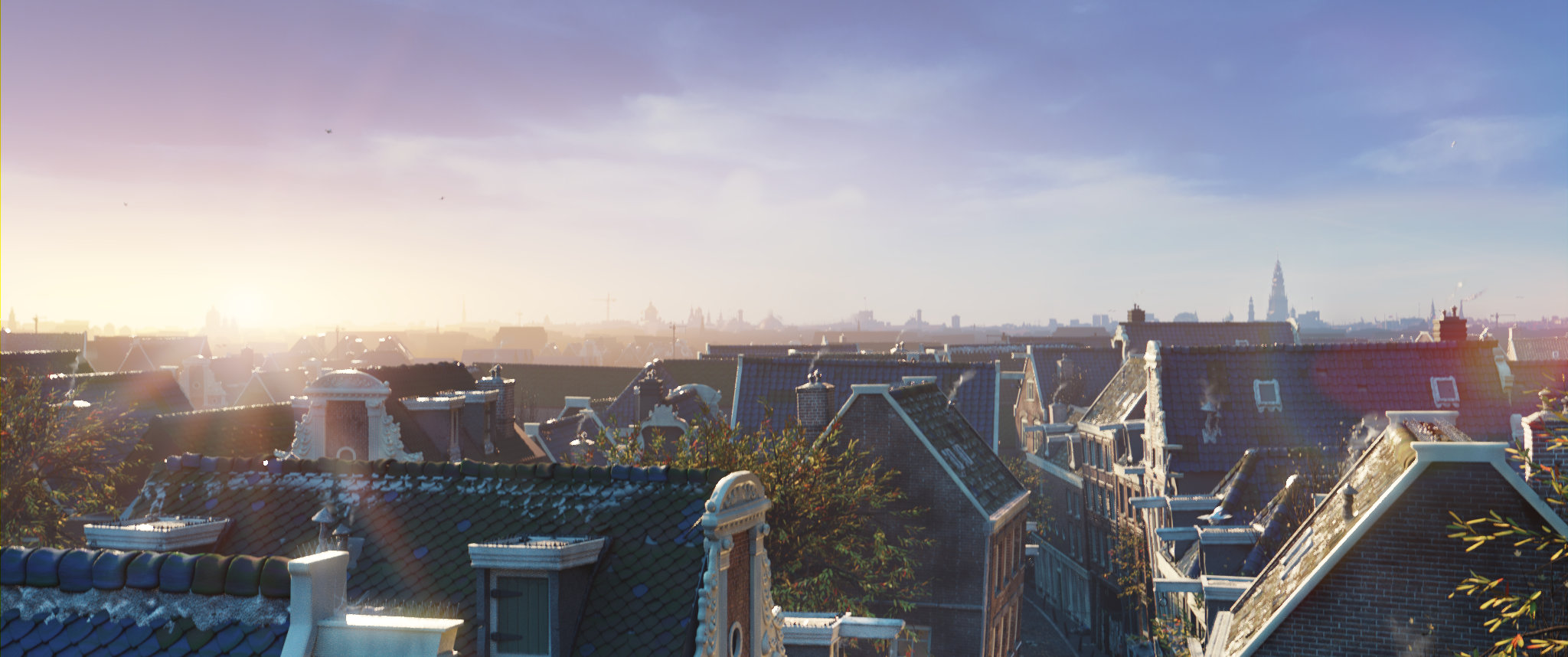
Get the Artwork
Blender splash artwork source files are available for you to play with!
MODELING & TEXT
Next-Gen Text


PLATFORMS

WAIT, THERE’S EVEN MORE
- Boundary-aware brushes (Smooth, Relax, Automasking) now correctly handle face strips.
- Texture Paint strokes can be cancelled with Esc.
- Texture Paint property changes create undo steps.
- New “Paint Debug” option available when Developer Tools is enabled.
- Vertex Paint color sampling now reads mesh attribute data.
- Sculpt mode color sampling can add to the palette.
- Color sampling now accumulates for smoother blending.
- Sculpt mode includes a new Blur brush.
- Temporary Mask toggle (Alt+LMB) and mask erase (Ctrl+Alt+LMB) in Sculpt mode.
-
sculpt.face_set_change_visibilitynow supports anactive_face_setparameter. - Overlay warnings appear if face sets or masks are hidden.
Plus hundreds of bug fixes, code cleanups and refactors.
See the full list of changes.
In memory of Germano Cavalcante
CREDITS
Blender is a community project.
Learn more on how you can contribute to Blender.
List of developers who contributed to Blender 5.1 and all-time contributors.
Splash artwork: CC-BY – Blender Studio
Huge thanks to everyone involved! 🧡
The Blender team. March 17th, 2026